
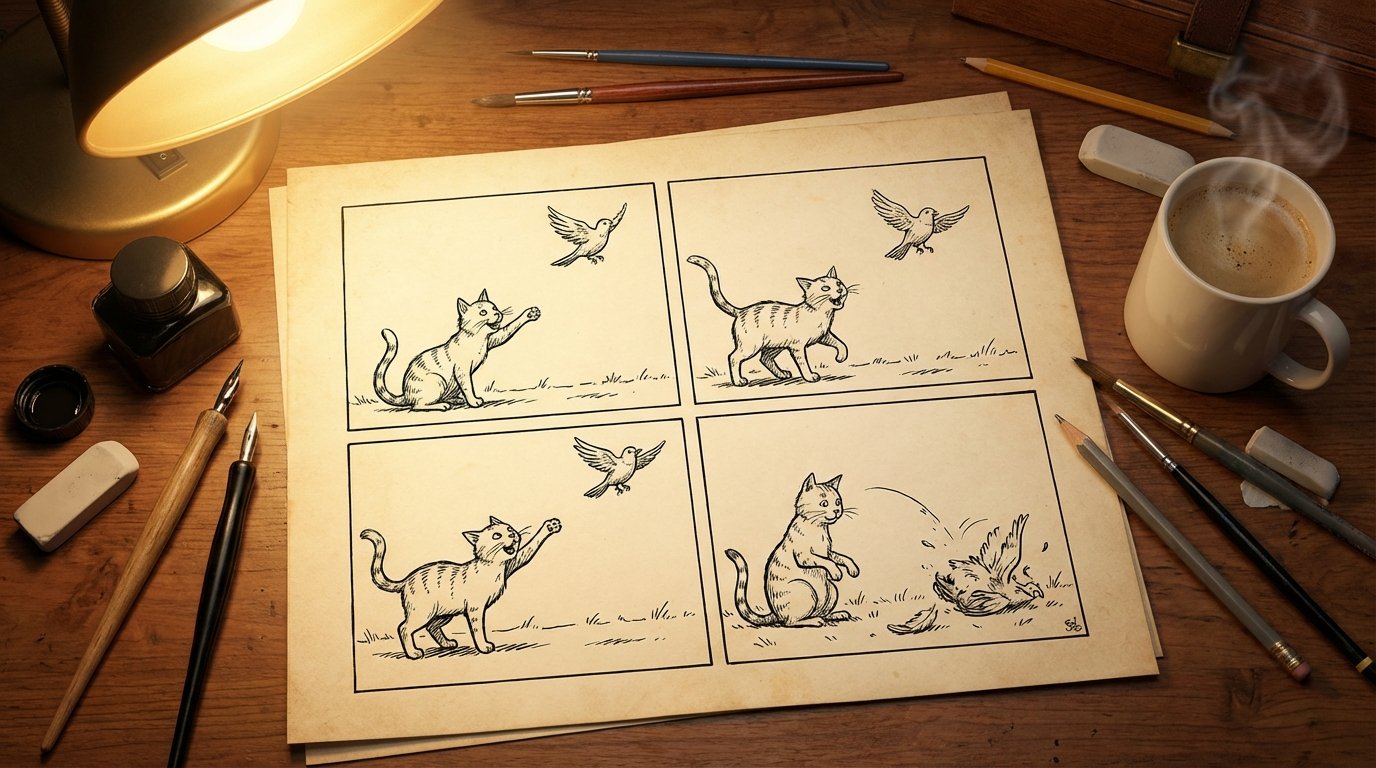
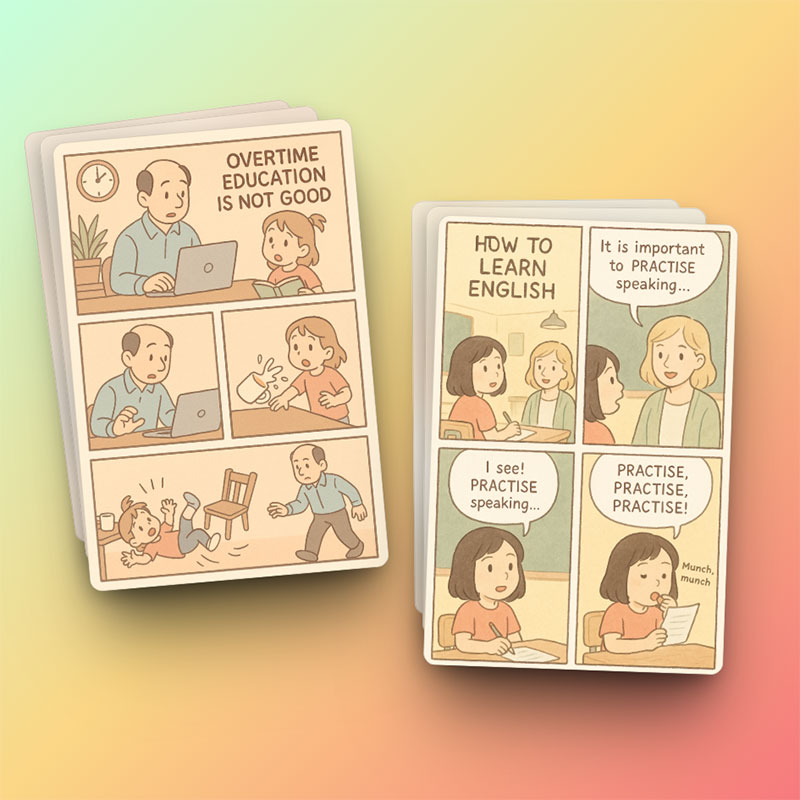
Panel structure
Prompt each beat separately so the AI understands the beginning, middle, twist, and ending.
Turn a short idea into a compact story arc with four connected panels.
Create a comic
Write a prompt, pick the essentials, and generate a comic without a long setup.
Four-panel comics are ideal for a quick narrative: introduce the situation, build tension, shift the scene, and land the ending. Comic Brief turns that structure into generation-ready visual instructions.

Prompt each beat separately so the AI understands the beginning, middle, twist, and ending.
Reuse preset or custom characters so the same cast can appear across panels.
Choose square, vertical, or wide aspect ratios depending on where the comic will be published.
Use panel numbers in your prompt when you want strong control over the strip's sequence.
One or two characters usually produce clearer panels than a crowded scene.
The final panel should contain a clear emotion, twist, transformation, or reveal.
The creator combines your panel sequence with the selected style, characters, aspect ratio, and reference images. Clear panel-by-panel instructions help the model preserve the narrative order and visual continuity.
Choose a publication-friendly aspect ratio, browse compatible art styles, reuse characters, and attach references. These controls help the same four-beat story fit social feeds, blogs, lessons, or campaigns.
Practical notes from the original Comic Brief workflow, rebuilt for standalone generator pages.
Use the generator above to outline four beats, reuse characters, add references, and create the strip on this page.