

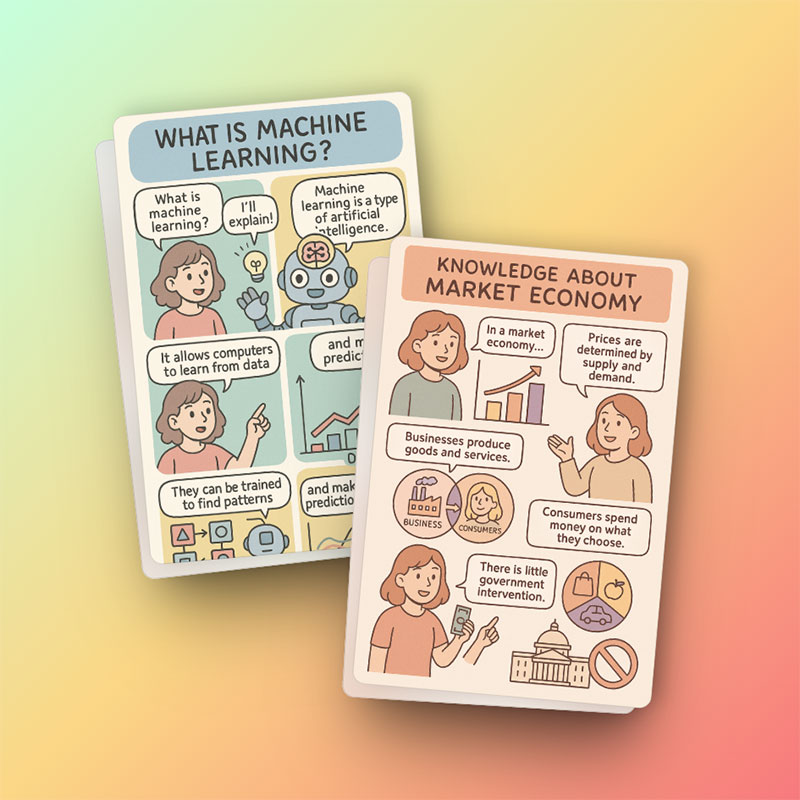
Process explanations
Break workflows, lessons, and tutorials into visual steps people can follow quickly.
Explain complex information with a visual comic layout that is easier to scan and remember.
Create a comic
Write a prompt, pick the essentials, and generate a comic without a long setup.
Infographic comics combine explanatory design with comic storytelling. Instead of a dry diagram, you can use characters, panels, labels, and visual hierarchy to make information feel approachable.

Break workflows, lessons, and tutorials into visual steps people can follow quickly.
Turn facts, comparisons, and product benefits into a more memorable visual narrative.
Tell the generator whether the comic is for beginners, customers, students, or internal teams.
The generator visualizes your information. Include accurate facts, steps, or statistics in the prompt.
Ask for a timeline, comparison, checklist, flow, or step-by-step layout when the structure matters.
Four to eight key points usually make a clearer infographic comic than a dense wall of facts.
Comic Brief turns your facts, sequence, audience, and visual direction into a structured generation request. It can combine panels, characters, labels, and diagrams, but the factual source material must come from you.
Start with one communication goal, arrange information in a logical order, use consistent terminology, and end with a summary or action. A focused brief produces a clearer infographic than a page full of unrelated facts.
Practical notes from the original Comic Brief workflow, rebuilt for standalone generator pages.
Use the generator above to turn facts, steps, and examples into a visual comic explanation on this page.