
Write the brief
Describe what should happen in the comic, who appears, where it happens, and what the viewer should understand.
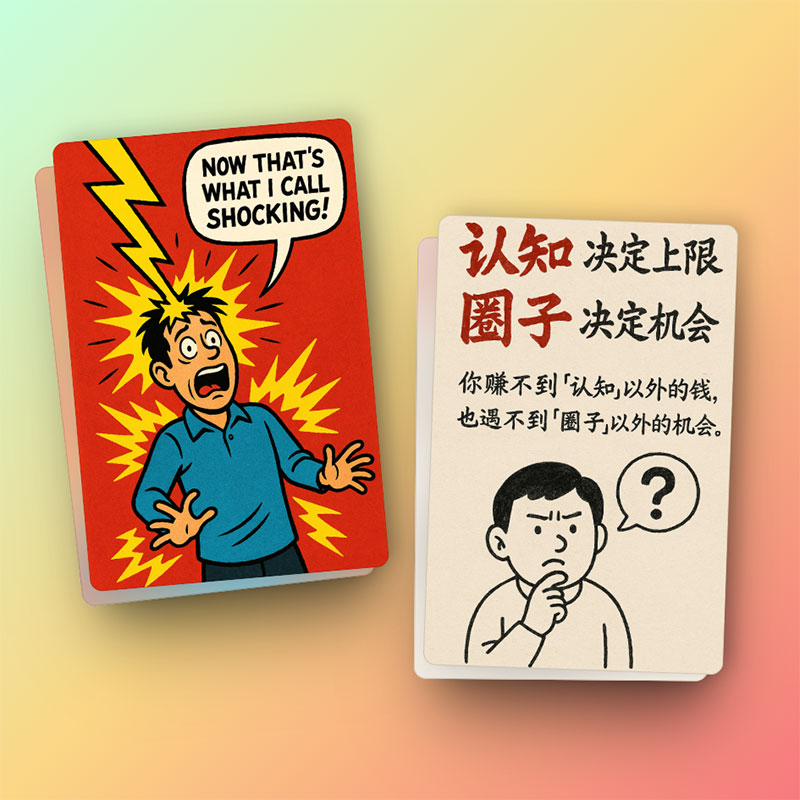
Learn the core Comic Brief workflow: choose a format, write a useful prompt, add references, pick art styles, and track generated tasks.
1
prompt workflow
4
reference inputs
2-4
credits per task
A good Comic Brief prompt describes the story goal, visual subject, scene, emotion, and any text or layout requirements.
Describe what should happen in the comic, who appears, where it happens, and what the viewer should understand.
Select an art style and aspect ratio that fit the destination: social feed, lesson, article, ad, or presentation.
Choose preset or custom characters to keep recurring figures recognizable across multiple generations.
Comic Brief stores each request as a task, so you can check status, inspect results, and continue from previous outputs.
Start from a prompt and generate a fresh comic image. These tasks use the lower credit cost.
Add reference images or character references when you need tighter visual continuity.
Use the task page to refresh pending jobs and inspect provider results after generation completes.
The fastest path is a short prompt, one format, one art style, and a single goal for the viewer.