
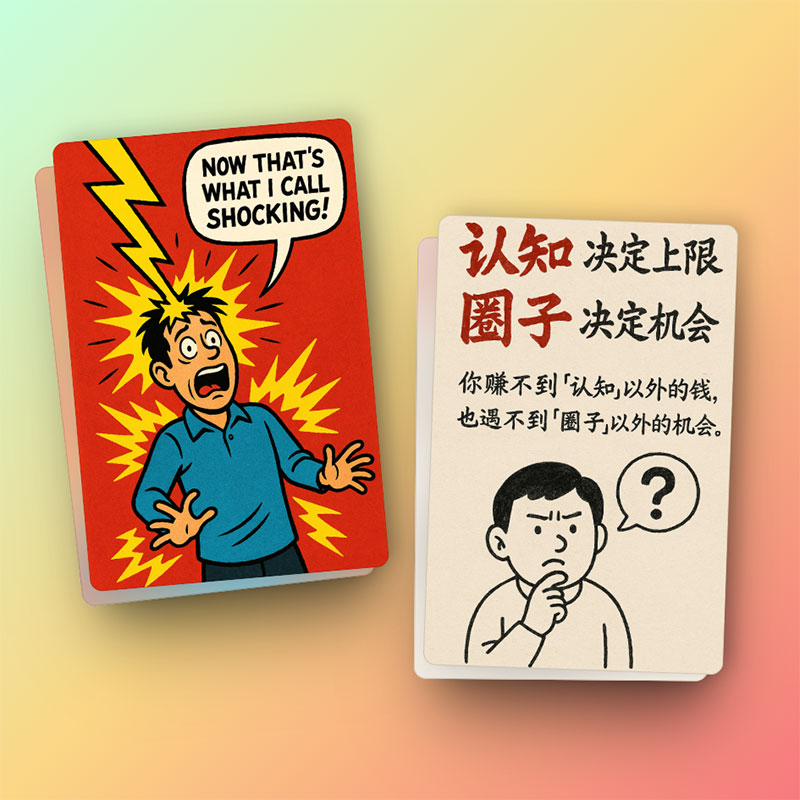
Clear punchline
Focus the composition around a single expression, joke, or dramatic reveal.
Create a complete visual joke, reaction, or story moment in one focused frame.
Create a comic
Write a prompt, pick the essentials, and generate a comic without a long setup.
A one-panel comic has to land the whole idea in a single image. Comic Brief helps you describe the key moment, choose a style, add characters or references, and generate a polished panel without drawing from scratch.

Focus the composition around a single expression, joke, or dramatic reveal.
Use square or vertical formats for quick posts, reaction images, and campaign visuals.
Add a style or character reference when the panel needs a specific look.
Name the main character, action, facial expression, background, and the joke or point the viewer should understand immediately.
If you need dialogue or a caption, include the exact words and where they should appear.
Cartoon and chibi work well for light humor; noir, realistic, or cyberpunk work better for mood-heavy panels.
Comic Brief combines your subject, action, expression, setting, caption, style, aspect ratio, and reference images into a comic-focused generation request. This helps the model prioritize the single moment that must carry the whole idea.
A minimalist cartoon, expressive anime frame, gritty noir illustration, or polished commercial style can change how the same punchline feels. Choose a visual direction that supports the emotion instead of competing with it.
Practical notes from the original Comic Brief workflow, rebuilt for standalone generator pages.
Use the generator above to set the prompt, pick a style, add references, and create the panel on this page.